Bendigo, Victoria. Bendigo Graphics today introduced the Bendigo Graphics editor, a design tool for print that runs in your browser. It takes what the apparel designer did for shirts and brings it to business cards, flyers, signs, stickers and more, with the same promise: our team checks your proof before anything is made.
It brings the design-online piece we set out in July, when we introduced the new Bendigo Graphics, to the whole print range. It arrives a day after we opened online ordering with live pricing. Design it, price it and order it, all in one place.
Start from more than 1,600 templates
The editor opens with more than 1,600 templates across business cards, flyers, signs, stickers and more. Pick one that suits the job, swap in your words and your logo, and you have a layout that already works rather than a blank page.
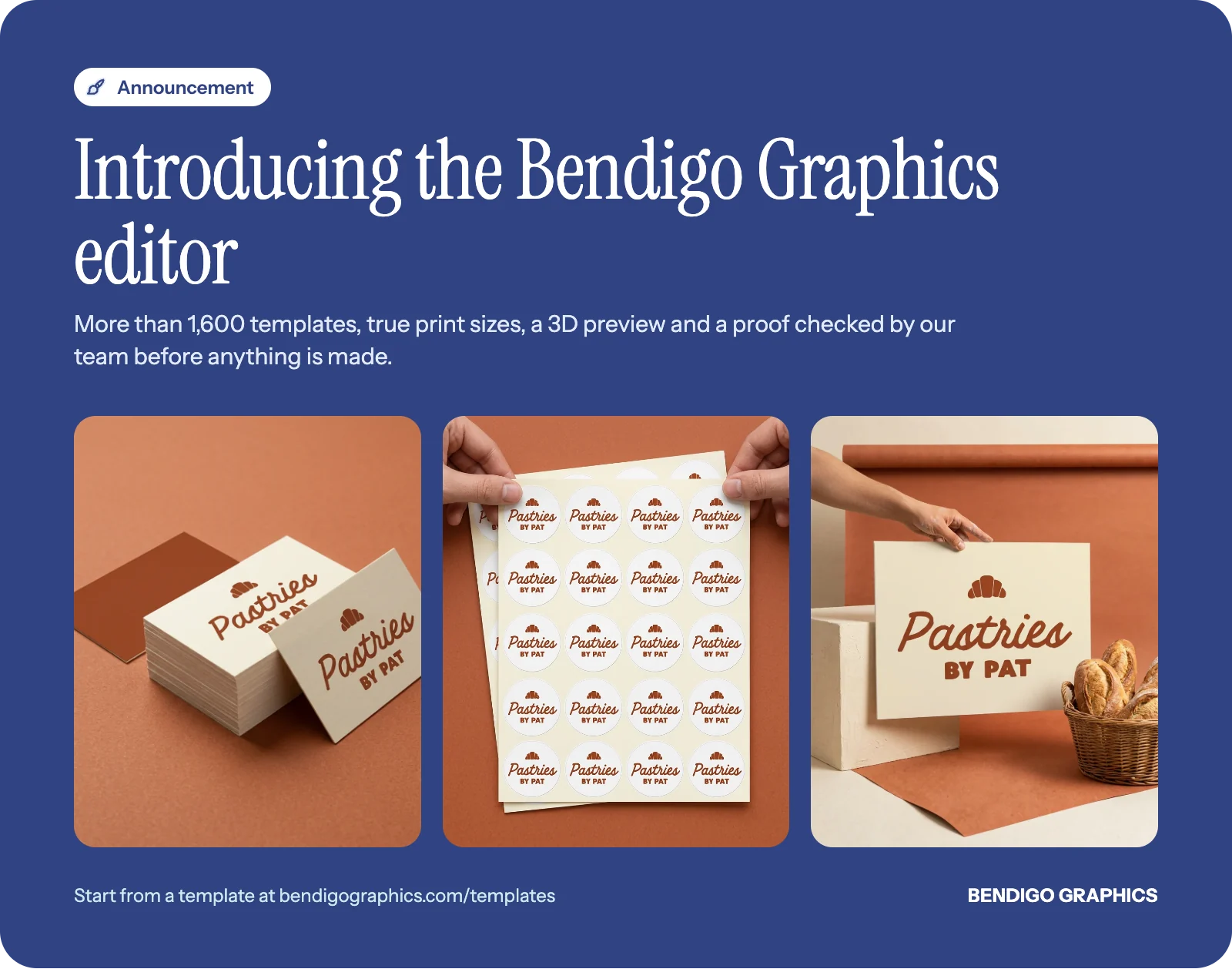
Because every template belongs to a product, a business card template is already the size of a business card and a sign template already the shape of the sign. There is no resizing, and no guessing at measurements.
Set to the real print size
Every design is set to the product's true print size. The bleed and the safe area are shown as you work: the bleed is the extra artwork past the edge that is trimmed away, so colour runs cleanly off the page, and the safe area keeps text and logos clear of the trim.
Good to know: two of the most common file problems are a background that stops short of the edge and text sitting too close to it. Showing the bleed and safe area while you design stops both before they start. Our guide to preparing files for printing covers the rest.
Turn it around in 3D
Before you order, a 3D preview lets you turn the product around and see your design as the finished thing, not a flat rectangle on a screen. It is the quickest way to spot a logo that is too small or a colour that feels different than you expected.
Review, then a real proof
When you finish, a "review your design" step asks you to look it over once more before it goes any further. Then our local team checks the proof before anything is made. The editor makes designing faster. It does not take a person out of the process.
Why it matters
Design tools on the big online printers are built for volume. You can make something quickly, but often no one looks at it before it is printed, and a mistake arrives in a box. We wanted the speed of designing online with the care of a local team, so a Bendigo business can do it themselves and still have someone check the work. It is the same idea behind everything we have launched this year: open, easy to use, and backed by people you can talk to.
Availability
The Bendigo Graphics editor is available today. Browse the templates to start your first design, or ask us to design it for you if you would rather hand it over.


