Most businesses have a printer in the back office, and it is tempting to run everything through it. Deciding whether to print it yourself or order online comes down to one question: will a customer see it and judge your business by it?
Here is a straightforward split, plus the grey areas where either can work.
What is fine to print yourself?
Your office printer is perfectly good at the things that stay inside the business or only need to last a day or two.

Internal documents: meeting agendas, staff rosters, checklists and internal notices. Anything that never faces a customer.
Draft proofs: a rough print to check sizing, layout or wording before you send final files. Useful for menus, flyers and sign layouts.
Temporary notices: “Bathroom out of order.” “Side entrance today.” “Wi-Fi password.” A clean A4 print in a holder is fine for something that goes up today and comes down soon.
Quick tip: print your draft at 100% scale, not “fit to page”. It is the only way to check that the text on a menu, flyer or card is readable at its real size.
What should you order instead?
Business cards
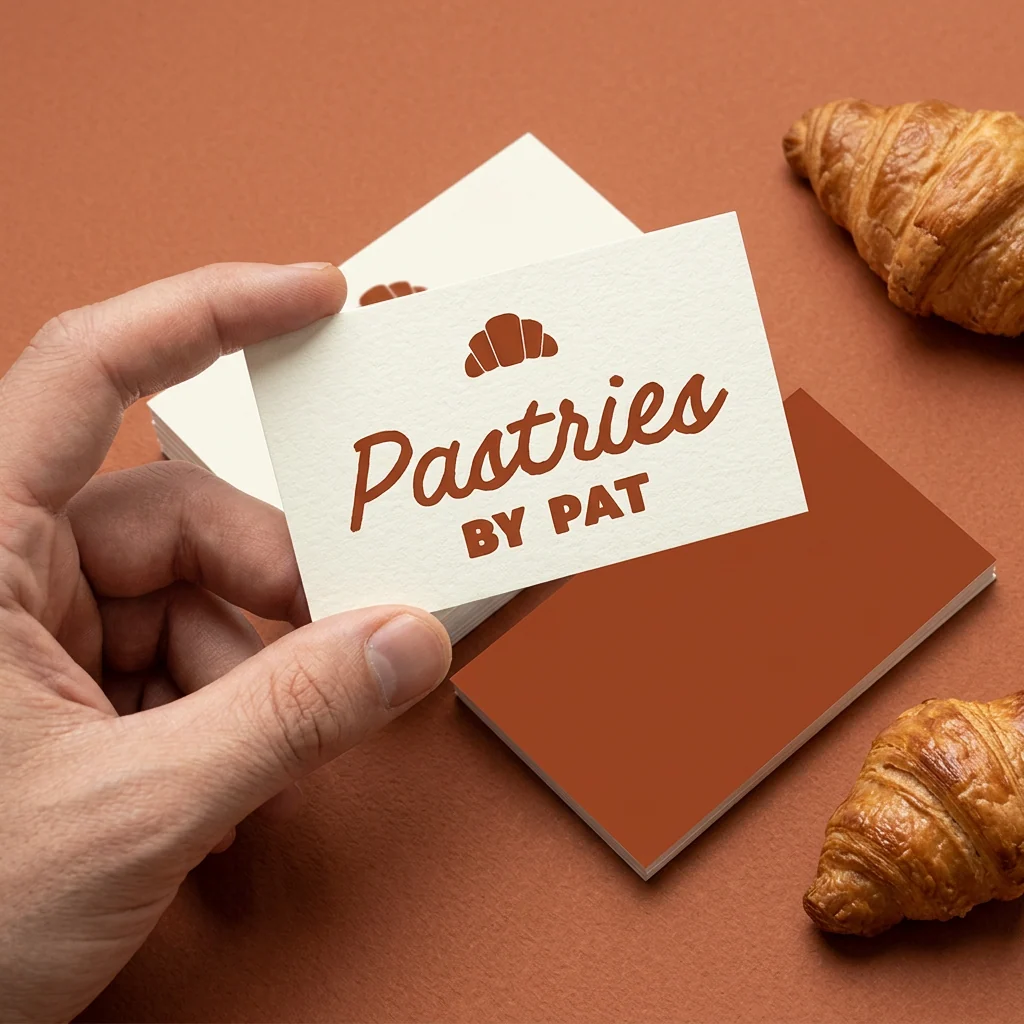
An office printer cannot produce business cards that feel professional. The stock, the cutting precision and the finish are all wrong. Professionally made business cards are often better value than the ink, card and time you would spend trying to make them yourself.
Anything that goes outside
Office printers use inks that fade quickly in sunlight and run in the rain. Signs, stickers, banners and displays that live outdoors need UV-stable inks on UV-stable material, and that means commercial production.
Stickers and labels
Commercial die-cut stickers are printed on vinyl with a laminate. They are waterproof, UV-stable and cut to shape. Label sheets from an office printer look like label sheets from an office printer.
Apparel
You cannot print shirts on a desktop printer, and iron-on transfers rarely survive the wash. Small runs of printed apparel are easy to order now, so there is no need to go the iron-on route.
Anything bigger than A3
Posters, banners and signs are beyond most office printers, which top out at A4 or A3 and lose quality as you scale up. Wide-format production makes them at the right resolution on the right material. Advertising posters are a good example of something that looks far better ordered.
Office printer or ordered print?
Where each one earns its place.
| Compared | Office printer | Ordered print |
|---|---|---|
| Outdoors | Fades and runs | UV-stable ink and material |
| Largest size | A4 or A3 | Banner and sign sizes |
| Business cards | Thin card, hand cut | Heavy stock, clean trim |
| Stickers | Office label sheets | Laminated, cut to shape |
| Drafts and notices | Quick and fine | Not needed |
The grey area: flyers and small handouts
Flyers can go either way. If you need a handful for a community noticeboard and they do not need to look premium, the office printer is fine. If you need a stack for a letterbox drop or a counter display that customers pick up, commercial print is worth it for the paper, the colour and the clean trim.
Rule of thumb: if a customer, client or member of the public will see it and judge your business by it, have it made professionally. If it is internal, temporary or a draft, print it yourself.
Print it yourself or order it?
Three questions for the job in front of you.
See every answer
Print it yourself. It is internal, temporary or a draft, so a clean A4 print on the office printer does the job. Print drafts at 100% scale to check the text is readable.
Order it. Customers will judge your business by it, or it has to survive outdoors. Ordered print gives you the right stock, ink and finish.
Is ordering online more expensive?
Not always, once you count everything. Printing yourself looks free because the printer is already there, but ink, specialty paper, wasted sheets and your own time add up quickly, and the result still looks home-made. Ordering online means the price is set before you start. Live pricing on each product page shows exactly how it changes with size, stock and quantity, so you can compare before you commit.
For a sense of what moves the price, read what really drives the cost of printing.
How to get customer-facing print right without a designer
Many businesses print their own flyers and menus simply because it feels easier than working with a designer. It does not have to be. You can upload your own file, start from one of our print templates set to the product’s true size with bleed and a safe area, or ask us to design it. Either way, our local team checks the proof before anything is made.
For anything customer-facing, start with flyers and pamphlets. Pick your size, stock and quantity on the product page, see the live price, then upload your artwork or have us design it.